00Apps · Pickleball · Tennis · Squash
Score the match in front of you.
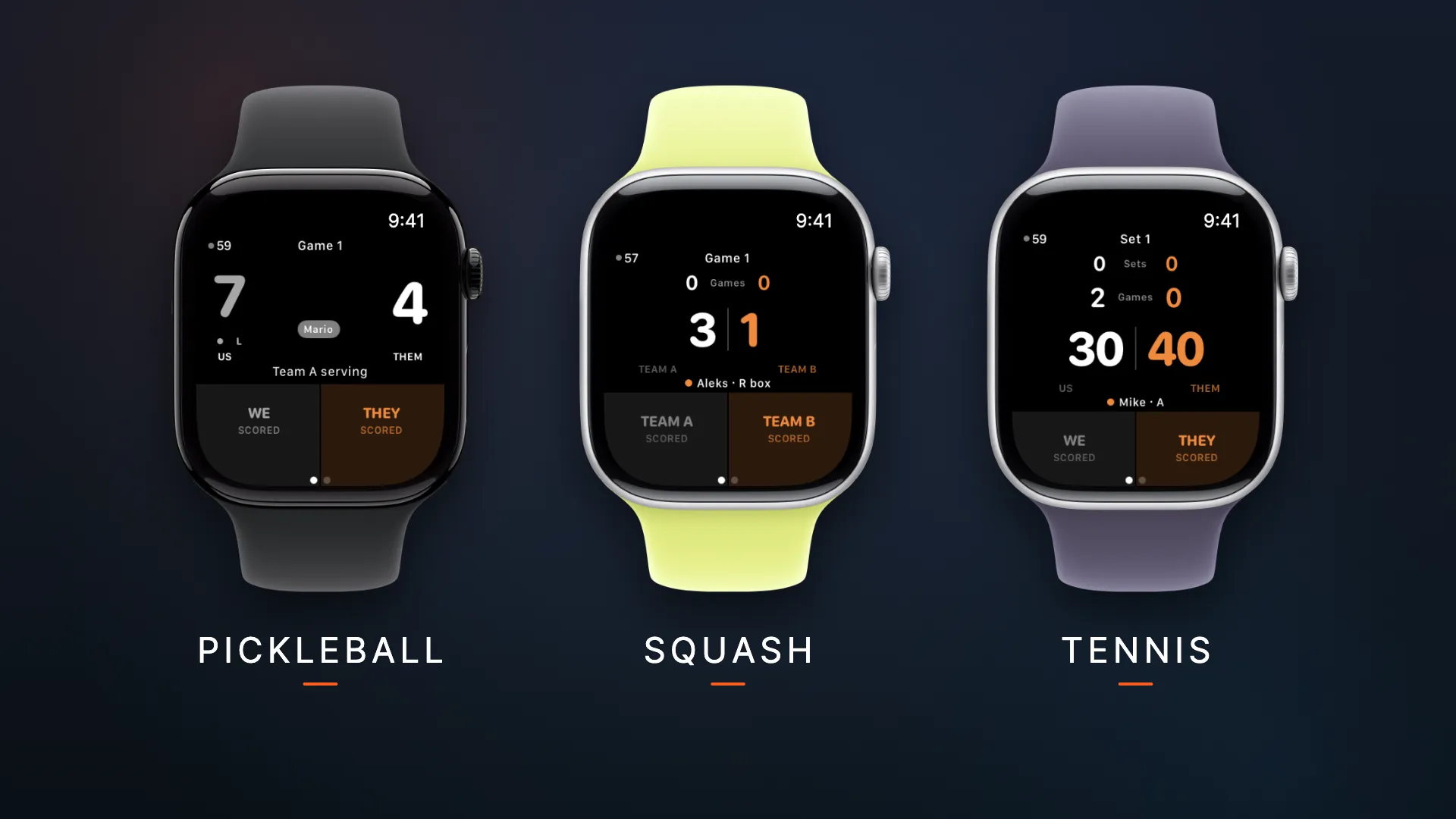
Three scoring apps for iPhone, iPad and Apple Watch. Tap to score, Crown to undo. Free, no account needed, and your casual matches stay yours.
00Apps · Pickleball · Tennis · Squash
Three scoring apps for iPhone, iPad and Apple Watch. Tap to score, Crown to undo. Free, no account needed, and your casual matches stay yours.


01What these are, and how they connect
Apps are free to use and standalone or you can link your apps to CourtSauce and score your official matches too.
A casual match is yours. It syncs through your own iCloud account rather than into CourtSauce, and linking sends only the matches you play in a CourtSauce competition — nothing else is uploaded.
Competitions has its own live view. A tournament or a league publishes scores as they land, and anyone with the link follows them over the web — no app to install and no account to make. That is the same open-by-default posture the rest of the platform runs on.
02The scoreboard
scoreboard.courtsauce.com is a separate service, driven by the apps and nothing else. During a casual match you can put the score on it live — a session that ends when the match does, not a copy of the match. Official matches score to your competition instead. No competition publishes into the scoreboard, and the two share no database.
Match code K4PT
LiveMario / Sarah
11
Alex / Jamie
8
Game 1 · first to 11 · win by 2